
Central Management
One dashboard.
Every business card.
Provision from your directory, push bulk updates, and keep every team member on-brand without chasing people for changes.
Sasha Klein
Managing Director · Strategy
Theo Bahari
Creative Director · Design
Ines Marquez
Account Director · Client Services
Ravi Mehta
Engineering Lead · Product
Coco Lindgren
Director · Marketing
Wren Holloway
Senior Producer · Operations
Dara Adekunle
Brand Director · Creative
Felix Tan
Account Manager · Sales
Sasha Klein
Managing Director · Strategy
Theo Bahari
Creative Director · Design
Ines Marquez
Account Director · Client Services
Ravi Mehta
Engineering Lead · Product
Coco Lindgren
Director · Marketing
Wren Holloway
Senior Producer · Operations
Dara Adekunle
Brand Director · Creative
Felix Tan
Account Manager · Sales
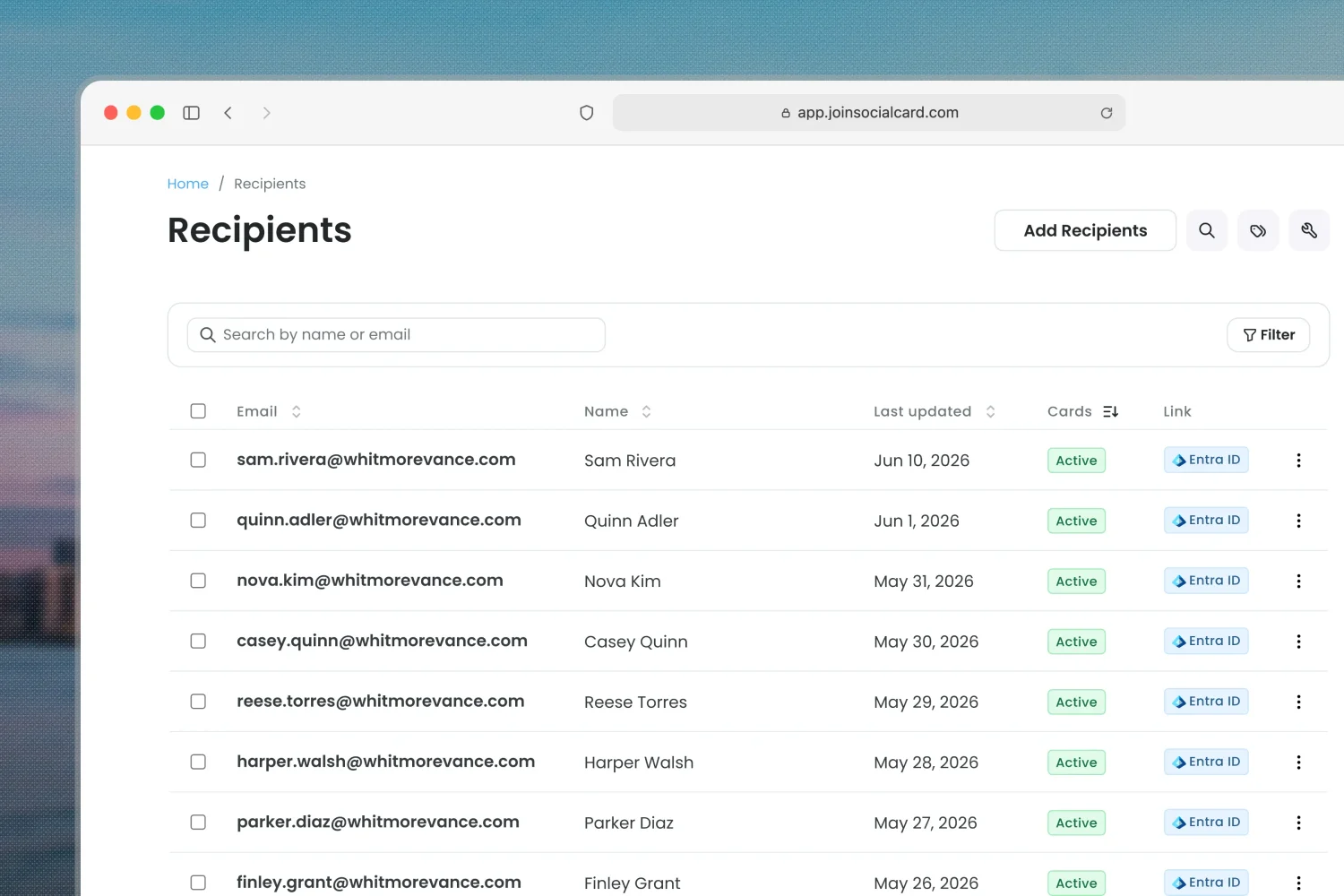
Recipients
All your contact info, synced and up to date.
Every team member, every detail, every business card they have. Updates flow to all of them in real time.
Onboard from your directory
Import from Entra ID, Google Workspace, or add by form or CSV.
Provisioned, never hand-entered
Cards build straight from directory records. No one hand-enters their own details.
Always in sync as the team changes
New hires, title changes, departures. Handled in real time.
Templates
Set the brand once. Apply it to every business card.
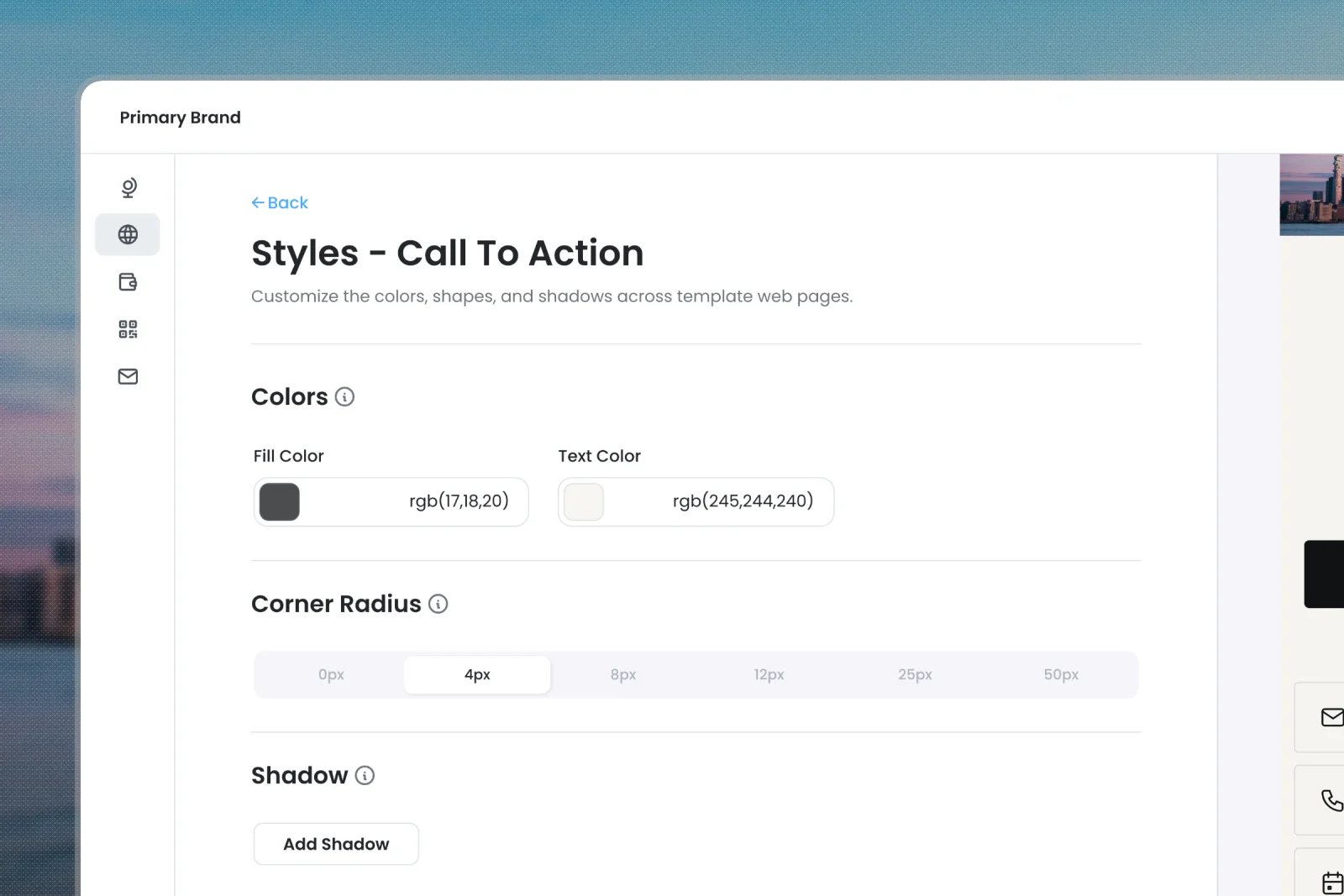
Layout, color, fonts, logos, and global content. Set once. Every card inherits.
Lock the design
Fonts, color, logos, and media. All governed at the template level.
Hold the global content
Company links, socials, calendar, and CTAs. Set once. Inherited by every connected card.
Push a rebrand in one click
Update the template, preview exactly what changes, then sync the whole team. Changes land in seconds.
Cards
Manage and distribute business cards from one place.
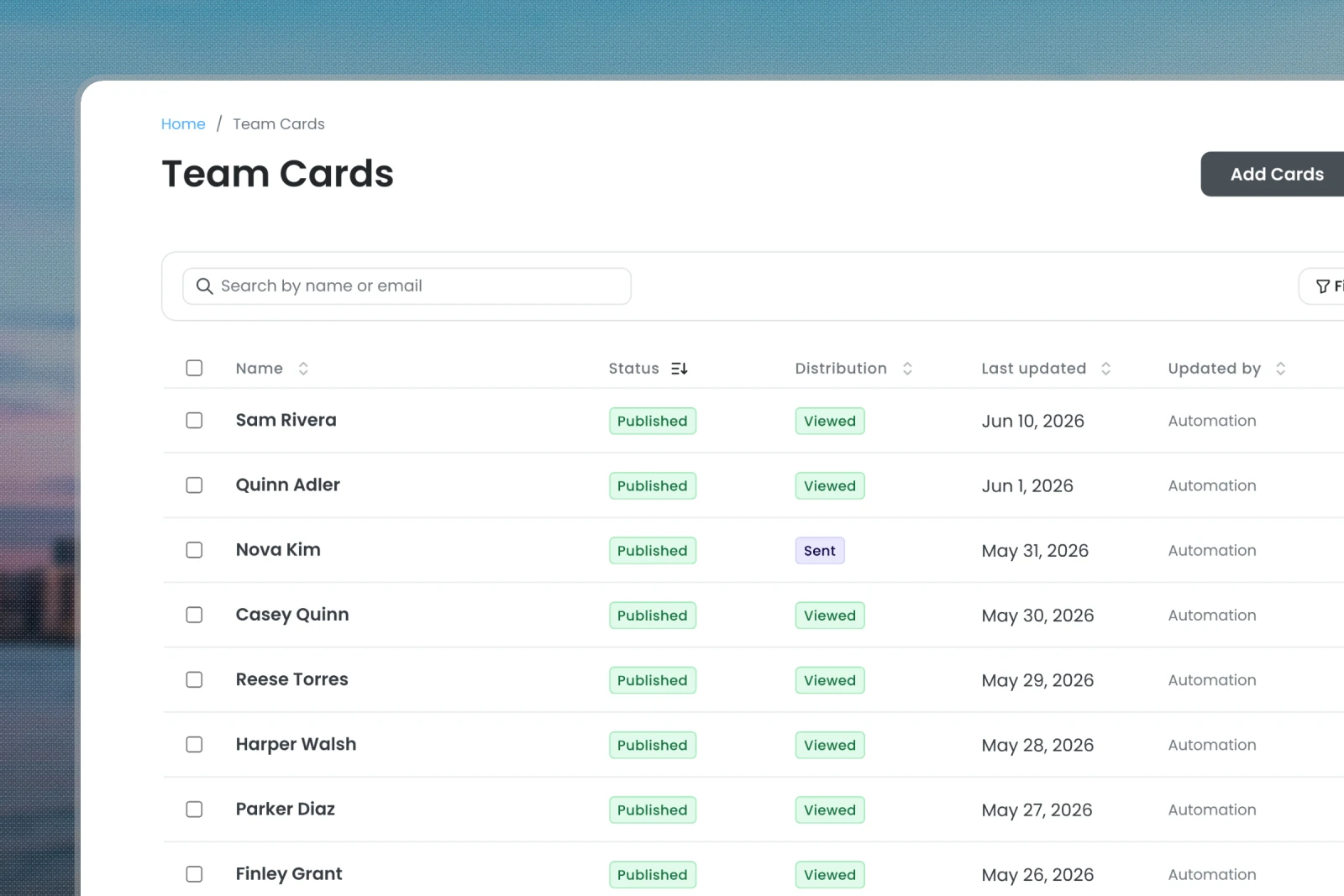
A central hub for your admins to manage your entire networking stack across departments, brands, and offices.
Every platform, all at once
Manage cross-platform cards from one place.
One click distribution
Send cards to every team member's inbox in one click.
Never out of date
Cards update automatically. No re-prints, no waiting for new cards.
Also inside
Four more workflows. Same work surface.
Manage by team, follow engagement, and plug into the data you already have. All from the same admin surface, no extra tools.
Organize by team, region, or role.
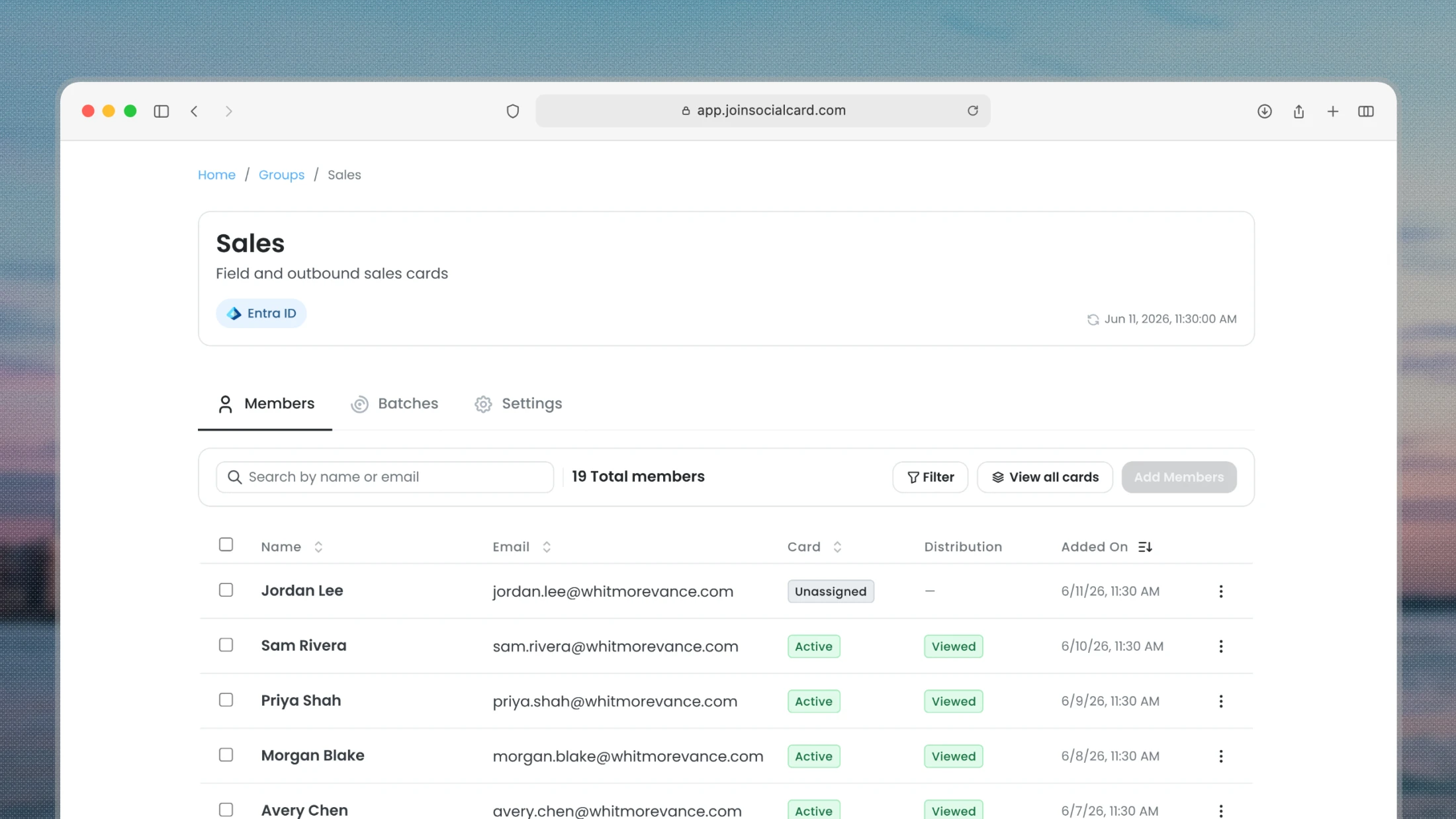
- Groups make cross-department and cross-use-case rollouts easy.
- Sync your groups directly from Entra ID or Google Workspace.
- Spin up and manage groups of business cards with shared templates and content.
- Automate scheduled syncs to keep group info in sync with your directory.
- See who’s using their cards, which formats drive the most engagement, and whether your investment is paying off.
- Track card views, contact saves, and platform breakdown across every channel.
- Find the cards, teams, and templates that are working.
- Native OAuth connections to Microsoft Entra ID and Google Workspace
- Easy import, sync, and manage your team data from your existing directory.
- Bring media, calendars, and content from your existing tools into your cards.
- Directory-synced records stay locked to your source of truth, so nothing gets overwritten by hand.
- Bulk distribute via email: web links, wallet passes, QR codes, signature snippets
- Export lists of cards for your team to internally deliver.
- Familiar access points across each card platform.
FAQ
Common questions from admins
Questions worth answering before you pilot.
See the admin workspace in action
Book a demo and we'll walk you through bulk provisioning, directory sync, and brand governance for your team.